
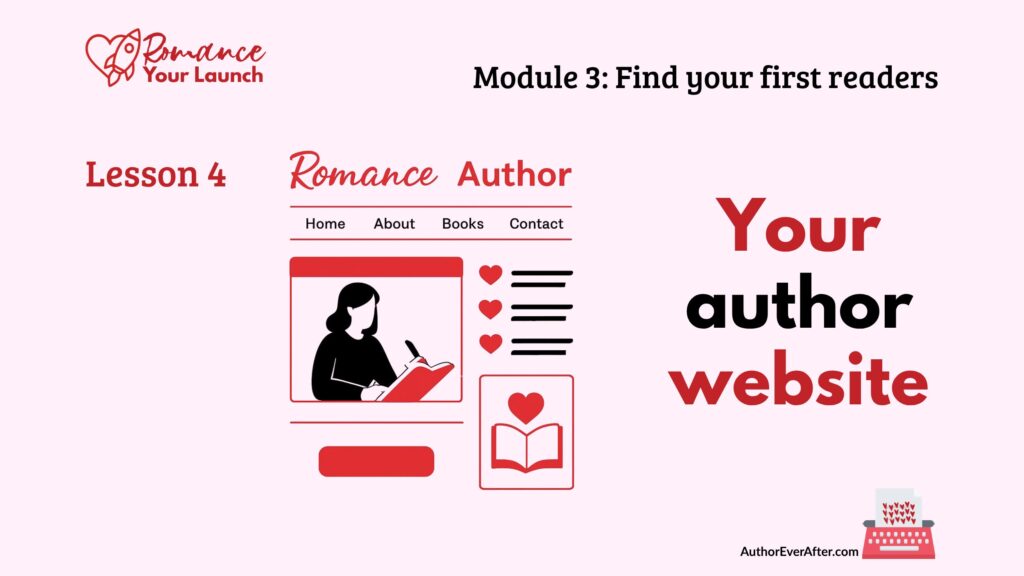
How to build a simple romance author website
You do not need a fancy, custom site to look like a real author. In this lesson, you’ll learn how to build a simple romance author website that matches your brand, highlights your books or lead magnet, and gives readers an obvious path to join your email list without getting lost in tech decisions.
A simple home that works
Let me start with the thing I wish someone had said to me early on: your author website does not need to be impressive. It needs to exist. (I was the new author who paid a web designer $$ to have her first author website made … it was pretty, sure, but I never recouped that investment).
That’s it. That’s the bar for version one is that you need to have a spot on the internet that people who search your name will find. And a place to send people to when they ask about your book, which they will once you say, “I write romance novels” to the person you just met at an extended family gathering.
I say this because I’ve watched more authors than I can count delay building a site, or abandon one halfway through, because they got tangled up in decisions about platforms, page structure, colour hex codes, and whether their font was giving the right energy.
Meanwhile, readers who found them on social media had nowhere to go. The link in their bio was a dead end. And every week without a site was another week of reader relationships that couldn’t start.
So before we go any further: your first author website can be a single page. It can be built on a free plan. It can have a placeholder cover and three paragraphs of copy. What it cannot be is nonexistent, because a website you haven’t built yet isn’t doing any of the jobs it needs to do.
What your website actually needs to do
For a romance author at this stage, a basic site has four jobs, and only four jobs.
- It tells readers you exist and what you write.
- It points them to your books, or your lead magnet while your first book is still in progress.
- It points them to your email list.
- And it points them to your socials, if you’re actually active somewhere.
That’s it. Everything else, including a blog, a store, a media kit, Easter eggs for superfans, or a page of character art, is optional and can come later. Much later. None of it belongs on your list of things to figure out right now.
Even a simple, rarely updated site does things a social media profile can’t. It’s a professional home you actually own and control, with no algorithm deciding whether readers see it and no random ads sitting next to your book covers. It’s a place you can send readers from any platform, any promo swap, or any newsletter mention. It gives you credibility with other authors, reviewers, and potential collaborators who will look you up before they work with you. And it’s the foundation for direct sales later on, if and when you decide you want that.
The tech doesn’t have to be scary or expensive
You do not need to build a custom WordPress site. You do not need a developer. You do not need to spend more than about $20 to get started, and depending on the tools you choose, you might spend nothing at all (beyond the cost to purchase your URL).
There are several services built specifically to make author sites almost plug and play, and they’re genuinely good.
BookBub’s author pages and website builder give you a clean, book-centric presence that’s easy to configure. Multi-published hybrid author Jennifer Sommersby, who also writes as Eliza Gordon, recently moved her author site to BookBub and it looks great.
CrewFiction offers a simple author page that works well even if you only have a lead magnet at this point. E.J. Campbell, a new author, is a good example of how to use it to signal dark romance clearly.
MailerLite includes basic website and landing page templates as part of its free plan. Author Ever After member Jillian Beane has used MailerLite as her website home for her two series. She’s even included a page of pronunciations for her fantasy romance and book club questions on a page she calls Fun Tidbits. Simple, functional, and completely her. (And if you notice the URL is something funky, don’t worry about that. You give people your normal web address—like JillianBeane.com—and set it up to redirect to MailerLite. easy-peasy).
Carrd builds clean single-page sites for free, and the Pro plan, which gives you more customization, is only $19 a year. Author Ever After member Tami Winbush built her site in Carrd, putting her brand feeling onto one of the hundreds of templates it offers.
If tech makes your shoulders crawl up around your ears, pick one of these and don’t look back. The goal for version one is simple: claim your URL before someone else does, and put something real at that address.
Your URL: claim it now
Think of your URL as your bookstore’s street address. You want it to match your author name or imprint, be as simple and memorable as possible, and ideally end in .com. Readers still default to that, though .author, .books, or your country domain can work if .com is already taken.
You’ll pay somewhere around $10 to $20 USD per year for a .com domain. You can buy it through a hosting provider like DreamHost or Bluehost, or through a registrar like Namecheap or Domain.com and then point it to wherever your site lives.
One thing a lot of new authors don’t know to do is turn on Whois privacy when you register. When you register a domain, your personal information, including your real name, actual address, and primary email, is collected and can end up in a public database called Whois. Most registrars now include privacy protection free or for a small fee. Turn it on. It keeps your home address off public directory searches, reduces spam, and adds a layer of safety that genuinely matters when you’re building a public presence.
Let your Module 2 work do the heavy lifting
Here’s the good news: you’ve already done most of the hard thinking. In Module 2, you identified your brand values and traits, chose your colours, fonts, and imagery styles, and described your author voice. Your website doesn’t require you to make new decisions. It just requires you to apply the ones you already made.
That means using your author photo or logo consistently, ideally the same image on your website, socials, and email header. It means applying your colour palette to buttons, links, headings, and accent blocks. It means choosing fonts in your site builder that are as close as possible to your chosen trio. You may not be able to match them exactly, and that’s fine. Just get as close to the feeling you want as the builder allows. And it means selecting imagery that matches your brand mood: soft and romantic, dark and mysterious, bold and playful, small-town cozy, whatever your books are promising.
You’re not building a design portfolio. You’re making your site look like the same author who’s been showing up in your bio, your branding, and your socials. Coherence is the goal.
What (pages) you actually need
A full author site can eventually include a lot. Right now, you need very little.
Your home page is the front door. A quick snapshot of who you are and what you write, a feature on your latest book or lead magnet, and a clear visible link to join your email list. That’s all it needs to be.
Your About page is where readers get to know you beyond your books. Your short bio, your author photo, and a few on-brand details that support your persona belong here. Focus less on your résumé and more on what’s in it for the reader: the emotional experience you offer.
Your Books page is the heart of the site. Include a cover, a short description, key tropes, heat level, and buy links or a coming-soon note for each title. If you only have one book, or none yet, a simple feature section is fine. You can absolutely link to your lead magnet as your first book. Just make sure you do it so that you capture those email addresses!
A Contact page gives readers a way to send fan mail and gives bloggers, podcasters, and event organizers a way to reach you. Set expectations here too. “I read everything but may not be able to respond to every message” is honest, kind, and saves you guilt later. BUT—make replying to readers a high priority. And with the caveat that you may not reply underlaying your reply, your reader will feel very special. (And she is!).
And you need some kind of newsletter sign-up, whether that’s a dedicated page, a section on your home page, or an embedded form in your header or footer. This part is non-negotiable. Getting people to your site without giving them a way onto your list is like opening a shop with no till. Use your lead magnet here!
Worth noting: these five things do not need to be five separate pages. On a simple site, they can all be sections on one landing page. That’s a completely legitimate version-one website, and it’s what a lot of authors use until their backlist grows enough to need more.
Steal like an artist (my fave thing to do!)
You do not have to invent any of this from scratch. One of the most useful things you can do before you build anything is spend an hour or two looking at newer author websites you genuinely like, especially authors in your sub-genre.
Visit three to five sites and pay attention to what makes you feel welcome the moment you land on the home page. Look at how they present their books, where they put their newsletter sign-up, and what their About page actually says. Notice their navigation, which pages they’ve included, and the order they appear in. Pay attention to the tone of their copy too: playful, cozy, intense, wry.
You’re not copying. You’re noticing what works and translating it into your voice, your colours, your fonts, and your priorities. Austin Kleon calls it “steal like an artist.” I call it doing your research before you do your work. Either way, it turns a blank page into a starting point, and that’s the job.
Build your site from a document, not a blank screen
The single best thing you can do before you open your site builder is write your copy first, somewhere else. In a Google doc. In Notion. On paper if that’s your thing. Anywhere but directly in the site builder.
Trying to write and design at the same time is a special kind of hell, and I do not recommend it.
When you already have your copy written, your welcome paragraph, your about blurb, your book descriptions, your newsletter invitation, building the site becomes a copy-and-paste job. It takes a fraction of the time and produces a much cleaner result.
Before you open any platform, draft:
- Your author business name. Are you “Danika Bloom,” “Danika Bloom Romance,” or “Fire Lily Press”?
- An optional tagline, such as “Small-town steamy romance with heart and humour.”
- Your home page welcome.
- Your About page copy adapted from Lesson 2.
- Your book descriptions with tropes and heat level.
- A simple contact message with any expectations you want to set.
While you’re at it, gather your visuals in one folder:
- Your author photo or logo.
- A favicon, the tiny image that shows in the browser tab. Leave this out and you get a generic brown box, which is on-brand for exactly nobody.
- Your book covers or placeholders.
- Two or three on-brand images for your home page.
Author Ever After members can use the DepositPhotos offer mentioned in the worksheet to source on-brand images for their site and socials.
Having all of this ready before you start building is the difference between a site that takes an afternoon and a site that takes three weeks of open browser tabs.
Key takeaway
Reserve your URL. Choose the simplest platform that works for you. Use the branding decisions you already made in Module 2. Write your copy before you build. Then build the thing.
Your first site does not need to be impressive. It needs to exist, feel like you, and give readers one clear place to go. Everything you add after that is a bonus.
The worksheet walks you through the decisions and drafts in order: tool choice, URL registration, copy, visuals, and a community share so you can get eyes on it before it goes live.
The best place to gut-check your choices and get sub-genre-specific tool recommendations is in the Author Ever After community, from authors who’ve already been through exactly this.
Join Author Ever After
You’ll get immediate and full access to the Romance Your Launch program (all 11 modules), a worksheet for every lesson, plus three weekly, small group support meetings to answer all your questions, and a freaking amazing community of pre-published and early career romance authors who are building their indie publishing careers alongside you.
Get more details about the community here.
Or, go straight to the application form.
Get every lesson in the Romance Your Launch course
—> Click this link and I’ll send you two to three lessons a week, starting with Lesson 1.
—>Or, join my regular email list if you’d rather just pick up from the current lesson.
5.6 Book cover file specs for self-publishing authors
Book cover file specs for self-publishing authors Your cover designer has delivered your files. They're beautiful. You love them. You're ready to upload and get this book into the world. Understanding book cover file specs for self-publishing is the one thing standing...
5.5 Formatting check before you publish your romance novel
Your cover is beautiful. But a stunning cover file that fails a platform’s technical requirements can mean reprints, rejected uploads, or colours that shift dramatically between screen and print. Here’s how to get your book cover file specs right before anything goes live.
5.4 How to format a romance novel for self-publishing
Good formatting is invisible. Bad formatting costs you reviews you didn’t see coming. Here’s how to format a romance novel for self-publishing so your pages disappear and your readers stay in the story.
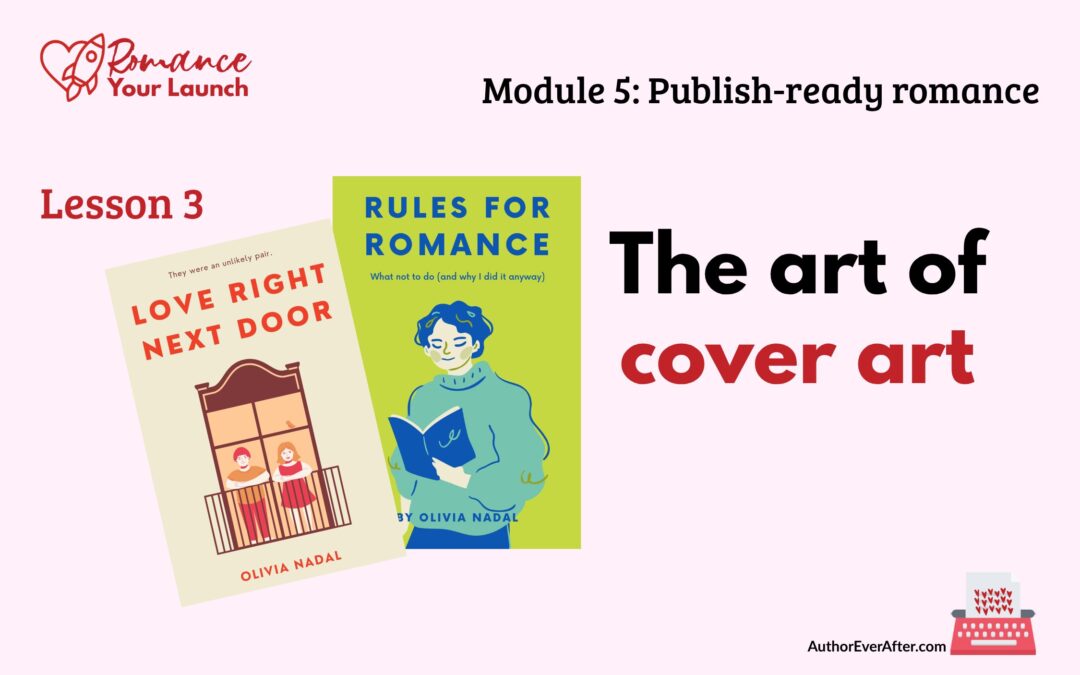
5.3 Romance book cover design guide for indie authors
Your feelings about what looks beautiful are almost beside the point. A romance cover is a signal, not self-expression. This romance book cover design guide shows you exactly what that signal needs to say and how to say it.

5.2 ISBNs for self-published authors: what you need to know
Before you upload your manuscript anywhere, you need to make one decision that affects every version of your book and every platform it lives on. Here’s what to know about ISBNs for self-published authors before you hit publish.

5.1 Romance novel metadata tips for self-published authors
Your book deserves to be found. But even a great romance novel stays invisible if your metadata isn’t doing its job. These romance novel metadata tips for self-published authors will help you get it right before you hit publish.
4.6 Final manuscript review before publishing your romance
“Almost there” is where a lot of authors stall out. In this lesson, you’ll walk through a final manuscript review before publishing so you can read like a reader, catch small issues that break immersion, and finally feel confident calling your romance done.

4.5 Line edit for a romance novel that feels polished
The line edit is where your romance stops feeling like a draft and starts feeling like a book. In this lesson, you’ll learn how to make your sentences clearer, sharper, and more intentional—without turning your voice into bland, beige prose.
4.4 Scene level edit for a romance novel that hits harder
Scene level edit for a romance novel that readers actually feel The structural edit asked whether your story works; the scene level edit for a romance novel asks whether your story feels. You've fixed the bones: the romance arc is present, the beats are in the right...

4.3 Structural edit for a romance novel that actually works
A structural edit is where you stop fussing over sentences and zoom all the way out to your romance as a whole. In this lesson, you’ll learn how to read your draft for structure, map the romance arc, and spot the big changes that will make everything you revise next actually worth the effort.

4.2 Beta readers for romance authors who want better books
Before you sink weeks into polishing sentences, you need to know if the story actually works for anyone who isn’t you. In this lesson, you’ll learn how to find and brief beta readers for romance authors so you get targeted, story-level feedback that makes revision easier instead of overwhelming.
4.1 Self-editing tips for romance authors who want readers
Self-editing is not a punishment for an imperfect draft; it’s how you give your romance a second life with a clearer head and a sharper eye. In this lesson, you’ll set yourself up with mindset, tools, and support so your edits actually help you reach more readers.
Ready for the next step in the module?
Return to Module 3: Find your first readers to see all five lessons.
Or go back to the Romance Your Launch home page to see all the modules and links to their hub pages.
Want the next lesson in your inbox?
This post is part of the Romance Your Launch series—a lesson-by-lesson guide to self-publishing your romance novel, written for pre-published and early career romance authors.
.
—> Click this link, drop in your name and email address, and I’ll send you two to three lessons a week, starting with Lesson 1.
.
—> If you’d rather just pick up where the series is, join my regular email list from this link.